I. Word: Writing for the Age of Paper and Printing
I previously always used Word documents, .docx files, to take notes and write. Especially since starting my public account, I have written most notes and articles in a single document, apart from a few series, because this makes earlier records easy to consult. That document now contains 480,000 Chinese characters, creating a problem: every time I open it, it lags badly and takes several seconds to respond. The input method's display often cannot keep up with my typing, making the writing experience steadily worse.
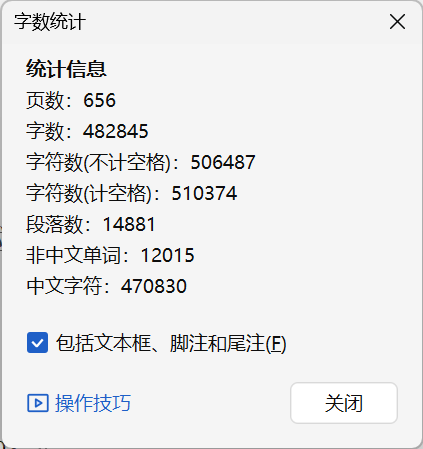
I have therefore been thinking about switching to another way of writing.
Word documents are actually a writing method born of a particular era. Their .docx format suits the age of paper printing and desktop office work. It is a what-you-see-is-what-you-get format: directly inside the document, you can choose A4 or A3 paper, margins, page numbers, a table of contents, fonts and sizes, footnotes and endnotes, text wrapping around images, and so on. Everything serves the content on that printed sheet. In that era, editing Word documents was therefore a basic skill for journalism, newspaper editing, book publishing, poster creation, and academic publishing alike. Writing directly in Word was also highly convenient for content creators.
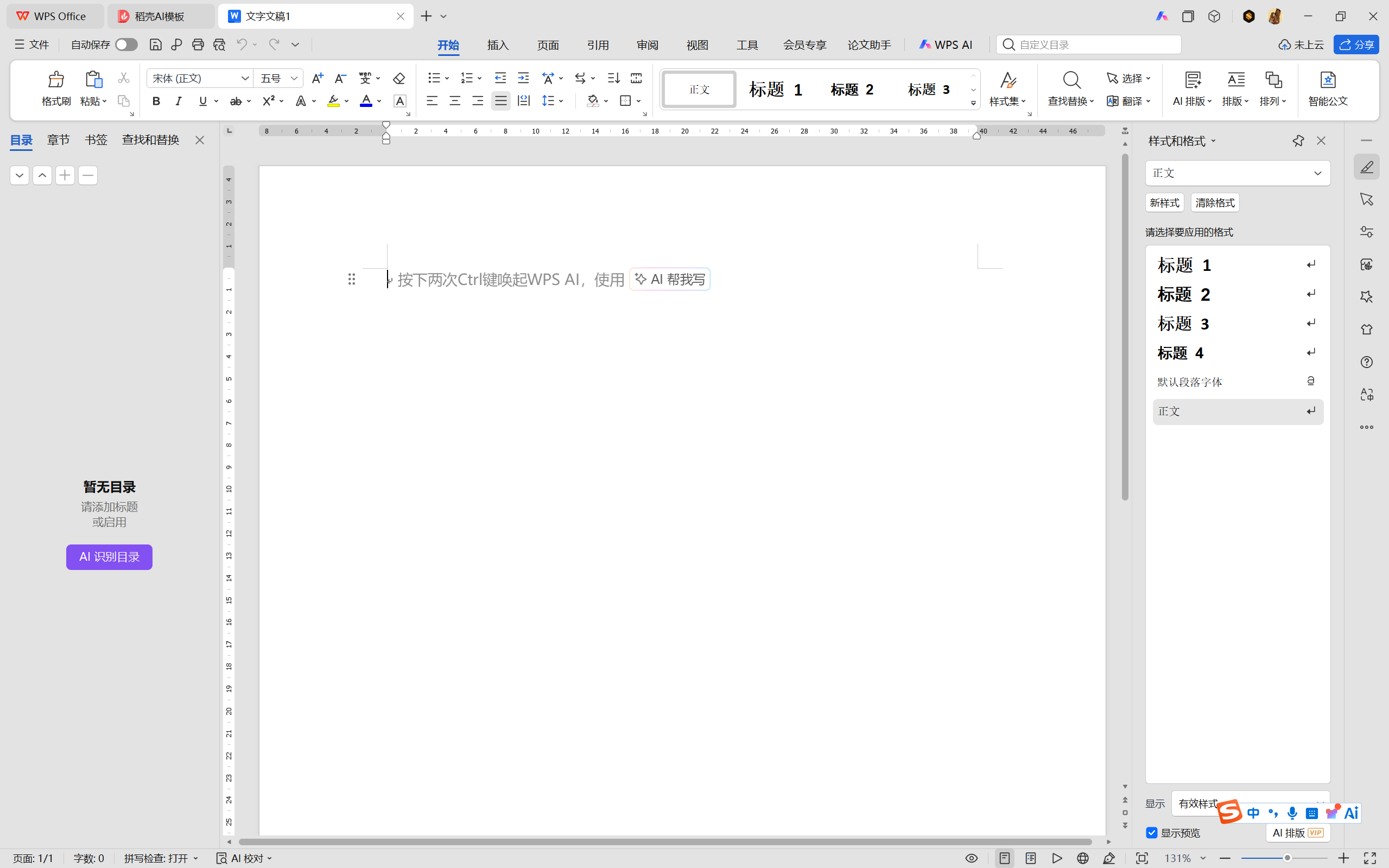
But when our writing will not ultimately appear in a printed publication, this method loses its purpose. Writing in the traditional way only to reformat it for each platform—Zhihu, WeChat public accounts, and websites—puts the cart before the horse. Writing is fundamentally a system of symbols recording language; whether those symbols appear on stone, bamboo, silk, or paper is unimportant. The Word format is essentially a transitional form between the paper and digital ages. With digitization accelerating, we should seek out, learn, and adapt to a new way of recording symbols.
II. Markdown: Writing for the Age of Digital Content
At present, Markdown seems the most suitable writing method for the digital-content age. Its features include:
- Easy writing, without complicated fonts and sizes. Its clean interface lets you concentrate on writing.
- Easy reading. Learn just a few simple symbols to create headings, tables, lists, links, images, and more, with a visually pleasing result that is comfortable to read.
- Automatic compilation into XHTML/HTML, the most widely used languages across websites. Once compiled, Markdown content can be published directly on WeChat public accounts, Zhihu, personal blogs, and other web pages. This is very convenient and simpler than writing XHTML code directly.
- Compatibility with most major websites, including AI applications such as DeepSeek, ChatGPT, Doubao, and Gemini, as well as GitHub and Feishu. Copy content from these sites and paste it, and it is already in Markdown format.
- Compatibility with programming languages. Add three backticks and specify the language to insert code displayed directly in a code box. Markdown's creator was, in fact, a programmer, and the vast majority of programmers use Markdown for code documentation and technical notes.
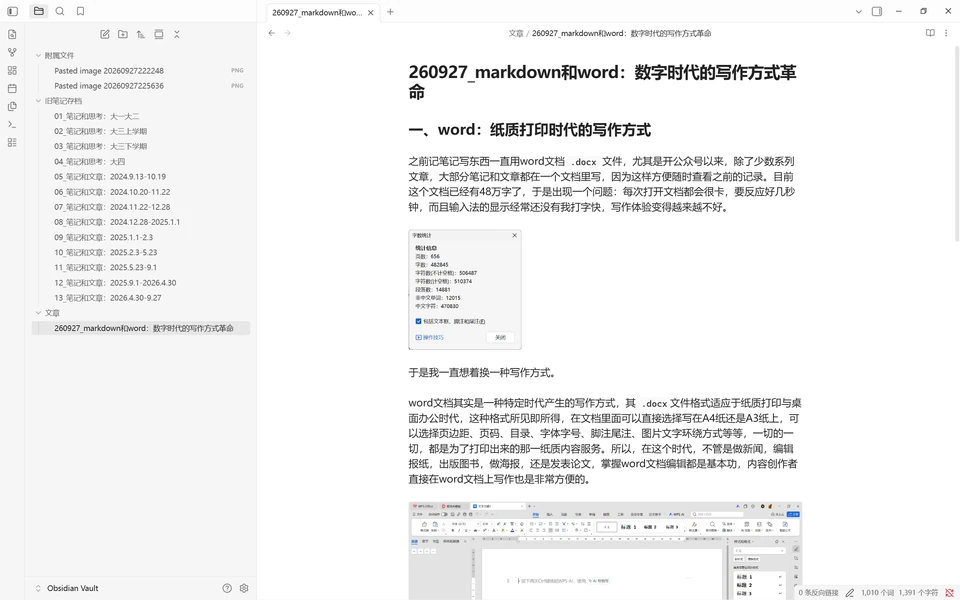
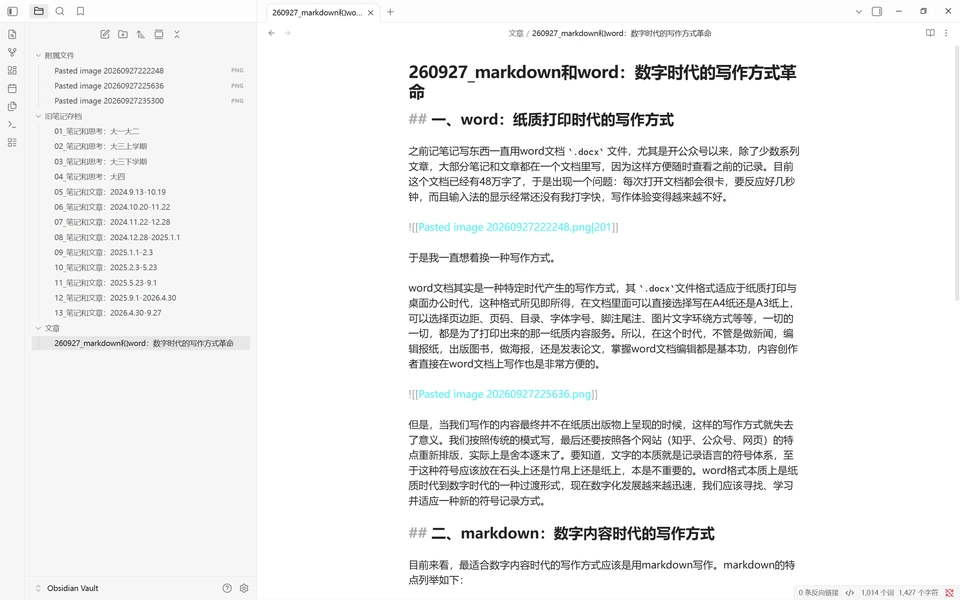
I previously tried writing articles in Feishu and Notion, but neither worked particularly well. Their continual synchronization delays opening, and the relationships among documents are difficult to organize locally. I am now trying Obsidian, essentially an application for reading and writing Markdown .md files. It directly displays the current document and its folder, and so far seems very convenient. I will keep experimenting and explore synchronizing content to GitHub and a blog.
Here is how it looks:
Comments
No account needed. A nickname is required; email is optional. Successful submissions appear publicly without manual pre-moderation.
Comments and nicknames are public. Optional email addresses are not displayed. The selected Waline backend and its hosting provider process comments, nicknames, optional email, IP and browser information. Comments show IP region, without the full IP address or browser and operating system labels. Hosting: Vercel; database: Neon.